WordPress vs Custom Development: Mana yang Lebih Baik?

Pendahuluan
Salah satu keputusan paling penting dalam project website adalah memilih antara menggunakan CMS seperti WordPress atau custom development dari scratch. Keputusan ini akan mempengaruhi budget, timeline, scalability, dan long-term maintenance.
Mari kita bahas pro dan cons dari masing-masing approach.
WordPress: Overview
WordPress powers 43% of all websites di internet. Originally blogging platform, sekarang sudah evolved menjadi full-featured CMS.
Kelebihan WordPress
1. Quick Setup
- Install dalam hitungan menit
- Ribuan themes tersedia
- Drag-and-drop builders (Elementor, WPBakery)
2. Cost-Effective
- Core gratis dan open-source
- Banyak free themes dan plugins
- Hosting murah available
3. Ecosystem Besar
- 60,000+ plugins
- Ribuan themes
- Huge community
- Banyak dokumentasi
4. User-Friendly
- Dashboard intuitif
- Non-technical users bisa manage content
- WYSIWYG editor
Kekurangan WordPress
1. Performance Issues
- Bisa lambat jika tidak dioptimasi
- Plugins bisa conflict
- Bloated code dari themes
2. Security Concerns
- Popular target untuk hackers
- Plugin vulnerabilities
- Perlu regular updates
3. Limited Customization
- Terbatas pada theme structure
- Custom features bisa tricky
- Plugin conflicts
4. Maintenance
- Regular updates needed
- Plugin compatibility issues
- Database optimization
Custom Development: Overview
Custom development berarti membangun website dari scratch menggunakan programming languages dan frameworks seperti React, Vue, Laravel, atau Node.js.
Kelebihan Custom Development
1. Full Control
- Complete customization
- No limitations
- Optimized codebase
2. Performance
- Fast loading (if optimized)
- No bloated code
- Efficient database queries
3. Scalability
- Easier to scale
- Flexible architecture
- Future-proof
4. Security
- Custom security measures
- No public vulnerabilities
- Controlled access
Kekurangan Custom Development
1. Higher Cost
- Development time longer
- Higher hourly rates
- Ongoing development costs
2. Longer Timeline
- Weeks to months development
- Testing phase longer
- More complex deployment
3. Technical Dependency
- Need developers untuk updates
- Non-technical users can’t manage easily
- Maintenance requires technical skills
4. No Ready-Made Solutions
- Everything built from scratch
- Reinventing wheels
- Longer time-to-market
Comparison Table
| Aspek | WordPress | Custom Development |
|---|---|---|
| Initial Cost | $500 - $5,000 | $5,000 - $50,000+ |
| Timeline | 1-4 weeks | 2-6 months |
| Maintenance | Easy, less technical | Requires developers |
| Scalability | Limited | Excellent |
| Performance | Medium | Excellent |
| Security | Medium (if maintained) | High |
| Customization | Limited | Unlimited |
| Content Management | Very easy | Depends on CMS built |
When to Choose WordPress
Perfect For:
✅ Blogs & Content Sites
- Easy content management
- SEO plugins available
- Quick setup
✅ Small Business Websites
- Budget-friendly
- Professional themes available
- Contact forms, galleries
✅ E-commerce (small-medium)
- WooCommerce plugin
- Payment gateways ready
- Inventory management
✅ Portfolio Sites
- Beautiful themes
- Gallery plugins
- Quick to launch
Example Scenarios:
Scenario 1: Local Restaurant
- Need: Menu, photos, contact, reservations
- Budget: $2,000
- Timeline: 2 weeks
- Choice: WordPress ✅
Scenario 2: Personal Blog
- Need: Blog posts, comments, simple design
- Budget: $500
- Timeline: 1 week
- Choice: WordPress ✅
When to Choose Custom Development
Perfect For:
✅ SaaS Applications
- Complex functionality
- User accounts & roles
- API integrations
- Subscription billing
✅ Enterprise Solutions
- Custom workflows
- Integration dengan existing systems
- Advanced security requirements
✅ Unique Requirements
- No existing solutions
- Highly specific features
- Performance critical
✅ Scalable Platforms
- Expecting high growth
- Need to scale horizontally
- Complex data structures
Example Scenarios:
Scenario 1: Marketplace Platform
- Need: Vendor accounts, product listings, escrow payments
- Budget: $50,000
- Timeline: 4 months
- Choice: Custom ✅
Scenario 2: Real-time Collaboration Tool
- Need: WebSocket, real-time sync, complex permissions
- Budget: $100,000
- Timeline: 6 months
- Choice: Custom ✅
Hybrid Approach
Sometimes, the best solution adalah kombinasi keduanya:
Headless WordPress
Concept:
- WordPress sebagai content management (backend)
- Custom frontend dengan React/Vue/Next.js
- Communication via REST API atau GraphQL
Benefits:
- Easy content management
- Fast, modern frontend
- Best of both worlds
// Fetching WordPress content in Next.js
async function getPosts() {
  const res = await fetch('https://your-wp.com/wp-json/wp/v2/posts');
  return res.json();
}
WordPress + Custom Features
Concept:
- Use WordPress untuk basic CMS
- Build custom plugins untuk specific features
- Extend functionality as needed
Benefits:
- WordPress ecosystem
- Custom features possible
- Gradual enhancement
Cost Breakdown
WordPress Project
Domain: $15/year
Hosting: $100-500/year
Premium Theme: $60 (one-time)
Plugins: $100-500/year
Initial Development: $1,000-5,000
Annual Maintenance: $500-2,000

Total Year 1: ~$2,000-8,000
Custom Development
Domain: $15/year
Hosting (VPS/Cloud): $500-2,000/year
Development: $20,000-100,000
Annual Maintenance: $5,000-20,000

Total Year 1: ~$25,000-120,000
Decision Framework
Ask yourself:
-
Budget?
- < $5,000 → WordPress
-
$10,000 → Consider Custom
-
Timeline?
- < 1 month → WordPress
-
2 months OK → Custom possible
-
Unique Features?
- Standard features → WordPress
- Very specific → Custom
-
Technical Team?
- No developers → WordPress
- Have dev team → Custom possible
-
Long-term Vision?
- Simple site → WordPress
- Platform/SaaS → Custom
-
Content Updates?
- Frequent, non-technical → WordPress
- Rare, technical OK → Custom
Kesimpulan
Tidak ada jawaban yang absolut - pilihan tergantung pada specific requirements, budget, dan long-term goals.
General Guidelines:
Choose WordPress if:
- Budget limited (< $5,000)
- Need quick launch (< 1 month)
- Standard features sufficient
- Non-technical content managers
Choose Custom if:
- Unique, complex requirements
- Performance & scalability critical
- Long-term platform vision
- Budget allows ($20,000+)
Consider Hybrid if:
- Need ease of WordPress
- Want modern frontend performance
- Have technical team
- Medium budget ($10,000-30,000)
Need Help Deciding?
Our team dapat membantu Anda analyze requirements dan recommend best solution. Schedule consultation gratis untuk discuss project Anda!
Artikel terkait:
- Panduan Lengkap Membuat Website Profesional
- Mengapa Laravel Pilihan Terbaik
- Optimasi Performa Website
Bagikan Artikel:
Artikel Terkait
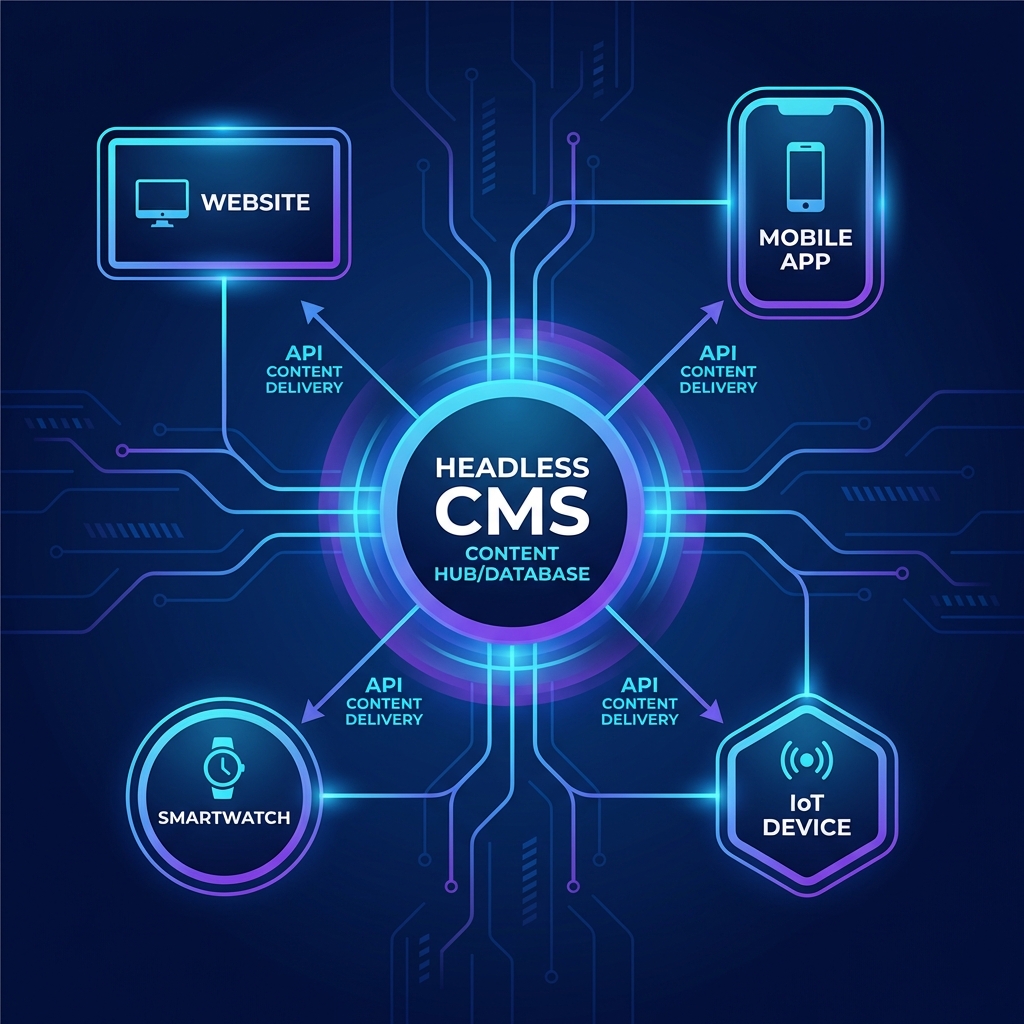
Headless CMS: Solusi Modern untuk Manajemen Konten di 2026
Pelajari apa itu Headless CMS, perbandingan platform populer seperti Strapi, Sanity, dan Payload CMS, serta kapan harus menggunakannya.

Panduan Lengkap Membuat Website Profesional di 2025
Pelajari langkah-langkah penting dalam membuat website profesional yang modern, cepat, dan SEO-friendly untuk bisnis Anda.

10 Tips SEO untuk Meningkatkan Ranking Website Anda
Strategi SEO terbukti yang dapat meningkatkan visibility website Anda di mesin pencari Google dan mendatangkan traffic organik.